Installation
Bluelocke runs inside the Scriptable iOS app.
3-Step Flow
Step 1 Install Scriptable Download Scriptable from the App Store. Step 2 Direct Download Download the latest
bluelocke.js. Step 3 Move The File Into Scriptable On your iPhone, open the Files app and move
bluelocke.js into the Scriptable folder in iCloud Drive. 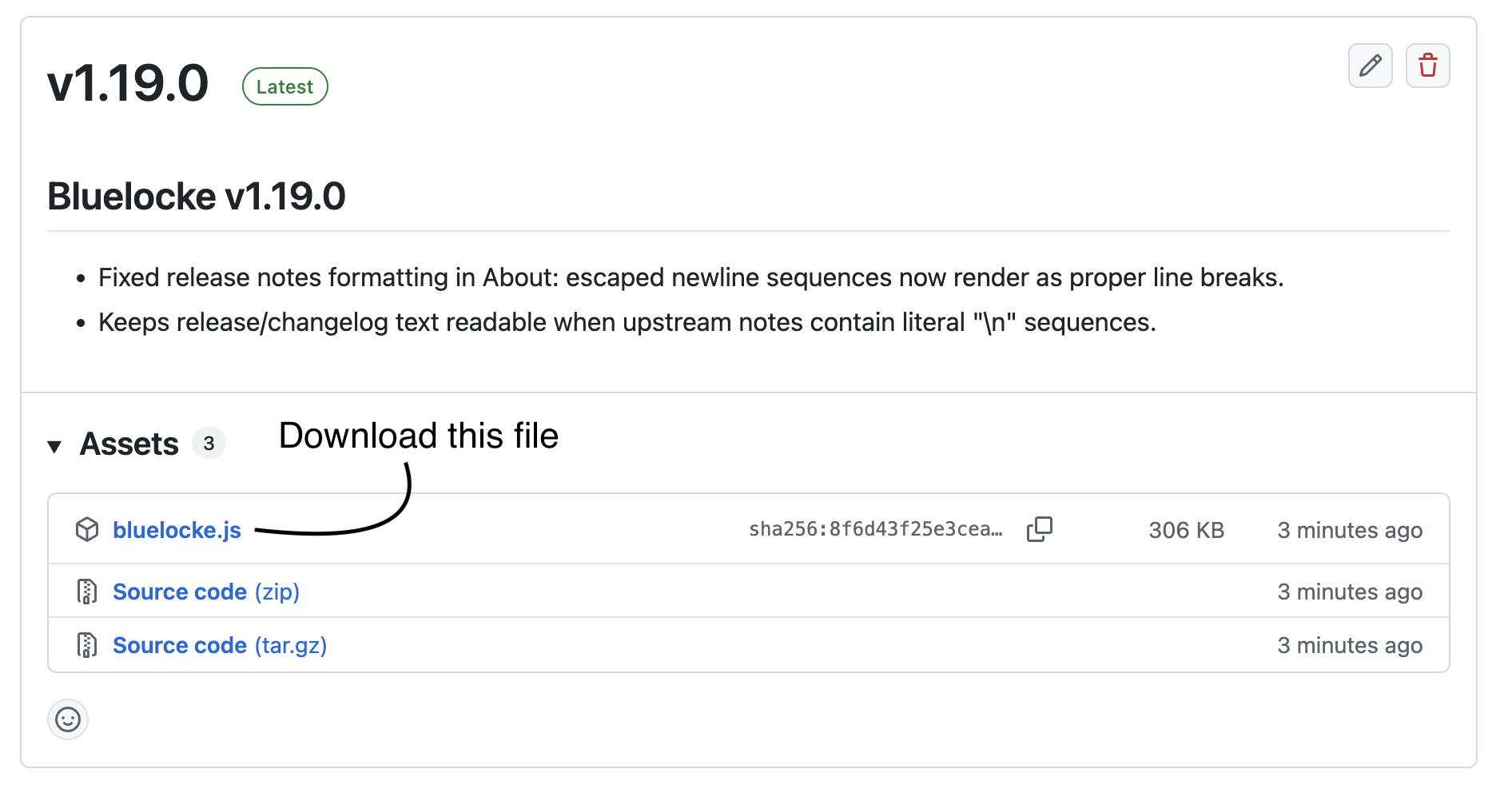
Open Bluelocke
Open Scriptable and tap bluelocke to run setup.
After setup, the first shortcut worth adding is Auto Lock - Safe. It gives you a safer walk-away auto-lock option before you start building other shortcuts or automations.
Need personal help?
If you want help getting Bluelocke installed, signed in, and fully working, you can book a 1:1 Bluelocke Setup & Support Call.
Book Setup Help